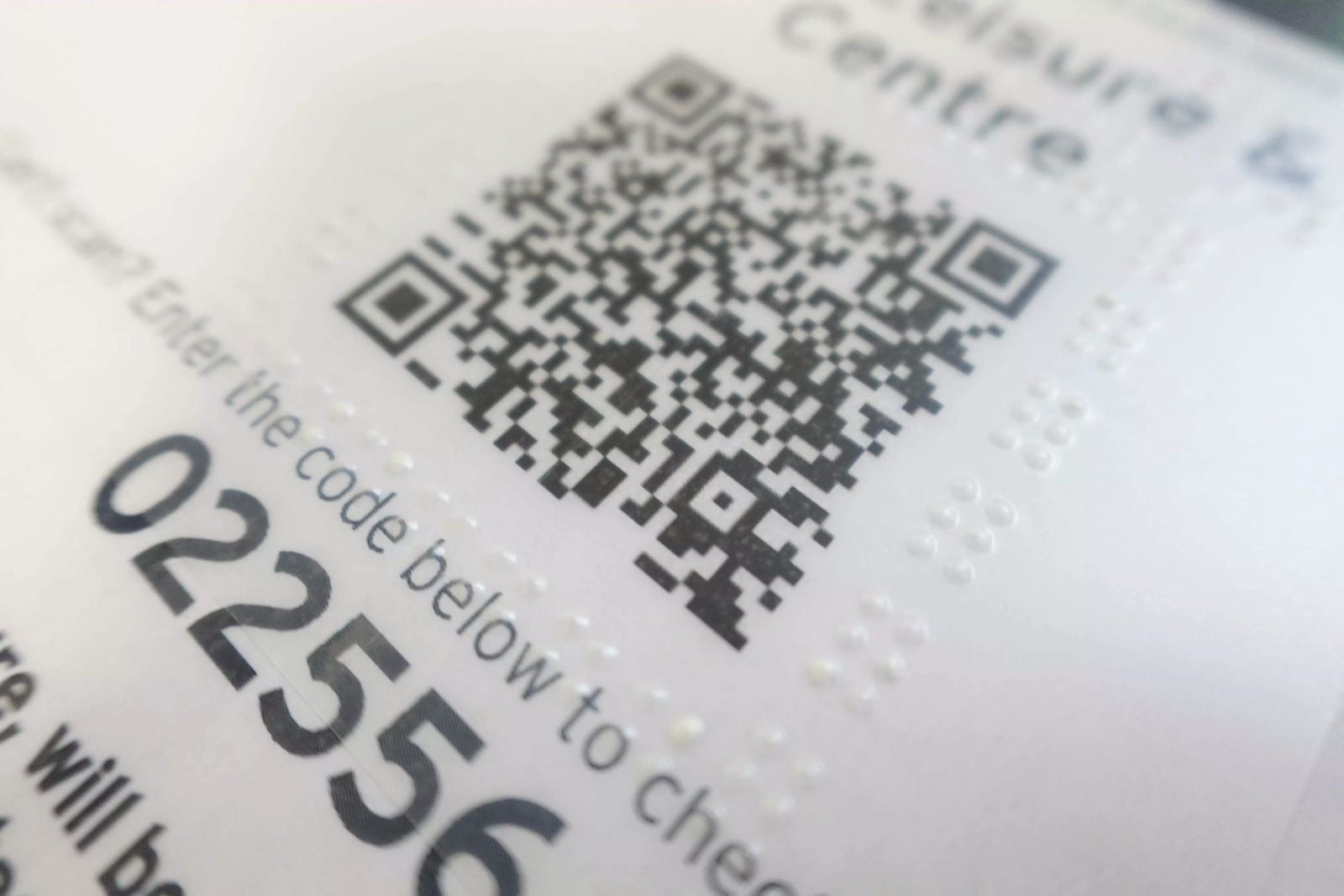
6.1 Tactile Requirements
6.1.1 It is good practice for a QR code to be marked by adding to its entire contour one of the following elements: a frame made of a continuous or a dotted line, not combinable, with the same dimensions, and in relief.

6.1.2 The thickness of the tactile mark should never be less than 1 mm and be a maximum of 2 mm. If it is a dotted line, the dots will have a diameter at their base similar to that of standard braille dots—that is, 1.5 mm—which, as they are not true braille dots, may vary between 1.2 and 1.9 mm. Likewise, the dots can be printed at any distance from each other provided that the gap between the edges of the bases of two adjacent points does not exceed 2.75 mm; this ensures that the idea of continuity is not lost.
6.1.3 Where a tactile mark is provided on a transparent covering, the frame will need to be significantly larger to ensure that the QR Code is always inside the tactile marking.